|
Element |
What wins |
|---|---|
|
Structure |
Solution + result, or "how to [specific pain point]" + parenthetical objection remover |
|
Specificity |
Exact numbers dramatically outperform vague promises ($15,000, 38.2%, 29 subs per 1,000 views) |
|
Length |
45–60 characters for the highest-CTR titles |
|
Emotional angle |
Competence and efficiency — founders click on proof, not inspiration |
5 YouTube AI Ask Studio Prompts Every Business Owner Needs (2026)
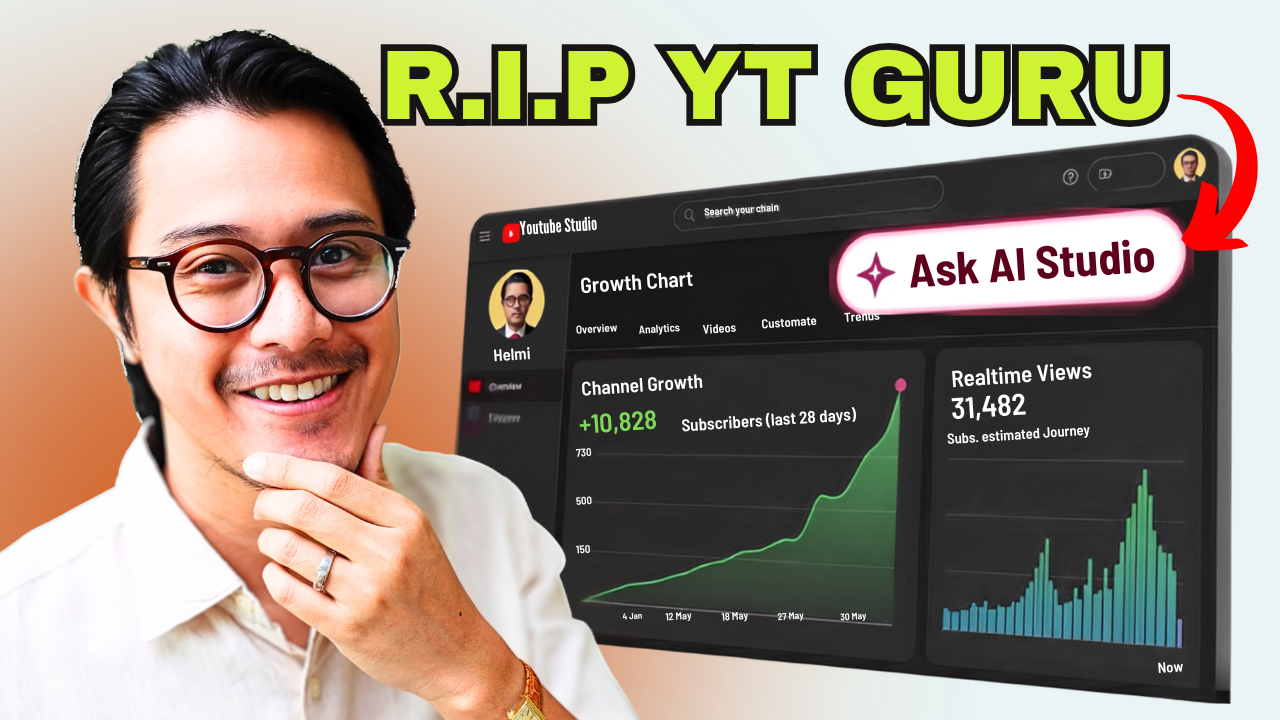
Most business owners using YouTube for lead generation are flying blind. They look at views, watch time, and subscriber counts — and try to figure out why their channel isn't bringing in clients. After spending $15,000 on YouTube coaches and content strategies, I finally found the tool that gives you actual answers: YouTube AI Ask Studio, built directly into YouTube Studio for free.
This isn't an external analytics platform or expensive software. It's a built-in AI with access to your channel's internal data — the stuff no third-party tool can see. Audience demographics, retention patterns, click-through rates from new viewers only, subscriber conversion rates per video. All of it. And when you ask the right questions, it tells you in plain English whether your channel is growing your business or wasting your time.
Watch the full walkthrough: Grow Your Business with YouTube AI Ask Studio
Here are the 5 prompts — engineered to work in any niche — that I now run on every business YouTube channel audit.
Prompt 1: Who Is YouTube Actually Showing Your Videos To?
Before you optimise anything, you need to know who YouTube thinks you are. A channel can have growing subscribers and rising views and still be completely off-track — because it's attracting people who will never buy from you.
This first prompt asks AI Ask Studio to tell you, in plain English, who YouTube is classifying your channel for and whether that matches your ideal client.
The prompt:
"Act as my YouTube data analyst and explain everything to me in plain English. My ideal viewer is [describe your target viewer]. I do NOT want to push my videos out to [describe who you want to avoid]. Across my last 20 videos: is my channel reaching new people who match who I'm targeting? Break down new vs returning percentage, top geographies, and the traffic sources bringing in new viewers. What is YouTube classifying me as, and what's the evidence? What should I do next?"
Here's what came back when I ran this on my own channel: 77% of views were from new viewers — a healthy growth signal — but 20% of that traffic was coming from India, a market skewed heavily toward content creators (exactly my anti-audience), not the service-based founders I want to reach. US viewers, my primary target market, came in second at just 3.5%.
The AI also identified exactly how YouTube had classified my channel: a business AI and workflow optimizer — precisely right. That was a significant shift from how it used to categorise me (a video production channel), which had been pulling in entirely the wrong crowd.
It also flagged one specific fix: stop using "video setup" or "YouTube tips" language in titles, because those phrases signal to the algorithm that your content is for aspiring creators, not business owners — and it serves the video accordingly.
"It told me to stop making a certain type of video because I was pulling in the wrong crowd. Thank you for that — because if it hadn't told me, I would have kept targeting that keyword."
Prompt 2: Which of Your Past Videos Are Closest to Your Offer?
Knowing who's watching is one thing. Knowing which content actually moves viewers toward buying is something else. This prompt identifies the topics and formats attracting your ideal client — not just your highest-view videos — and extracts the pattern you should repeat.
The prompt:
"My offer is [who you help + the result they want + without the thing they fear]. Across my last 20 videos, which topics and formats pulled in the most new viewers matching my ideal client — not just the most viewers overall? Since you can't see who visited my website, assume audience quality from the comments they left and the videos they watched before clicking mine. What patterns do the winners share? Which topics connect to what I sell? Give me 3 video ideas I should make more of."
The pattern that emerged on my channel: technical how-to videos built around a specific AI workflow dramatically outperform general YouTube-growth content. The winning format — specific tool + concrete result + friction removal — directly reflects the "without content becoming a second job" part of my offer. The viewers engaging with those videos are founders looking for systems, not subscribers chasing subscriber counts.
One of the three video ideas the AI suggested closely matched a video that was already performing exceptionally well for another creator in an adjacent space — independent confirmation the format works in this niche.
Prompt 3: Are Your Videos Actually Keeping Viewers' Attention?
Retention isn't a vanity metric. It's the signal YouTube uses to decide whether to push your video to new people. Lose viewers in the first 30 seconds and the algorithm stops distributing. And if people aren't staying long enough to hear your pitch at the end, you're providing free education to people who'll never become clients.
The prompt:
"Compare the 10 videos with the highest first-30-second retention against the 10 with the lowest. What patterns separate the winners — how they open, pacing, speed to the point? Analyse this against the retention graph. Give me a short copyable opening template from the winners I can drop into my next video hook."
The data came back blunter than I expected. The difference between a high-retention and a low-retention video is often decided in the first 5 seconds — not 30.
In the winning videos, value is defined by second three. In the low-performers, the value is buried under intros, personal backstory, and setup — sometimes past the one-minute mark.
Two other patterns the data surfaced:
Negative framing wins. "Stop doing this. You're doing this wrong." outperforms "Here's how to do this correctly" — because contrast creates a pattern interrupt that stops the scroll before someone swipes to the next video.
Don't introduce yourself in the first 15 seconds. Lead with the problem and what the viewer is about to get. Introduce yourself after that window. Audiences don't care who you are until they care what you can do for them.
The opening template the AI extracted from my own highest-retention videos:
"I just spent [X hours / $X] on [topic] and it was a complete waste of time. Here's the one thing that actually worked."
Followed by a visual proof point — a screenshot, a stat, a result — within the first 10 seconds.
Prompt 4: Are New Viewers Actually Clicking on Your Videos?
YouTube Studio shows you an overall click-through rate, but that number blends two very different audiences: subscribers (who already trust you and click almost anything) and cold new viewers (who don't know you at all). The number that actually matters for growing your business is the CTR from people who've never seen you before.
The prompt:
"Identify the 10 videos with the highest CTR among new viewers. What patterns do their titles share — length, emotional angle, specificity? Give me a title formula from the winners and write 3 title options for my next video about [topic] using it."
The patterns from my own top-performing titles:
Three title options the AI generated for a video about YouTube targeting the wrong audience:
- "How I Force the YouTube Algorithm to Find My Ideal Clients"
- "Stop YouTube From Showing Your Videos to the Wrong Audience"
- "The One-Step Fix for When YouTube Targets the Wrong Audience"
All three are grounded in what's already proven to work on my specific channel — which is why they're better than anything you'd brainstorm in a vacuum.
Prompt 5: Is Your Channel Actually Converting Viewers Into Clients?
AI Ask Studio can't see your email opt-ins, your booked calls, or your revenue. But it can see subscriber gain per video — and since subscribers are people who've decided they want more of you, this is the best available proxy for "this video made someone take action."
The prompt:
"Act as my YouTube data analyst. My goal is clients, not subscribers — but since you can't see my booked calls, use subscriber gain per 1,000 views as a proxy for audience-to-client conversion intent. Of my last 90 days, which video has the highest subs-per-1,000-views ratio? Don't just name it. Analyse the script and tell me the exact moment, promise, or line that drove people to act. Then tell me how to repeat that move in my next video."
The winner on my channel wasn't my highest-viewed video. It was a video with just 136 views — essentially flat in terms of reach — that converted 29 subscribers per 1,000 views, far above my channel average.
That video was my VSL: the one where I explain exactly how my whole system works and ask viewers to book a call. It doesn't pull in many new people. But the right people watch it, and a disproportionate share subscribe. The AI's insight: that video is the destination. Every other video on the channel should be pointing to it.
If you want to build the kind of YouTube system that turns the right viewers into booked calls, see what that looks like here.
Frequently Asked Questions
What is YouTube AI Ask Studio? It's an AI assistant built directly into YouTube Studio, accessible via the four-star diamond icon in the interface. It has access to your channel's internal analytics — data no external tool can reach — and responds in plain English.
Is YouTube AI Ask Studio free? Yes. It's included in YouTube Studio, which is free for all channel owners. You don't need a paid subscription or third-party software to use it.
How many videos do I need before these prompts work? The prompts reference your last 20–90 days of data, so they're most useful once you have at least 10–15 published videos. With fewer videos, patterns are harder to detect — but Prompt 1 (audience classification) and Prompt 5 (conversion proxy) will still give you directional answers early on.
What's the difference between AI Ask Studio and tools like VidIQ? External tools like VidIQ show you demand data from across YouTube — what people are searching for, what competitors are doing, what's trending in your niche. AI Ask Studio shows you what's actually happening on your specific channel. The two are complementary: use VidIQ to find what to make, use AI Ask Studio to understand how your existing content is performing.
Can this work if my videos aren't getting many views yet? Yes, with caveats. Retention and CTR analysis need enough data points to surface patterns, so very new channels will get thinner results. But even with limited history, Prompt 1 (who YouTube thinks you are) and Prompt 5 (your highest-converting video) will give you something actionable.
Ready to post your first client-attracting video? Grab the free Stories-to-Clients™ Starter Kit — the framework for turning your expertise into a YouTube system that books calls without you chasing anyone.